Time and Attendance Software for Frontline Teams
Time and attendance software creates a record of worked hours, location and exceptions, helping UK frontline teams reduce payroll disputes, cost and risk.
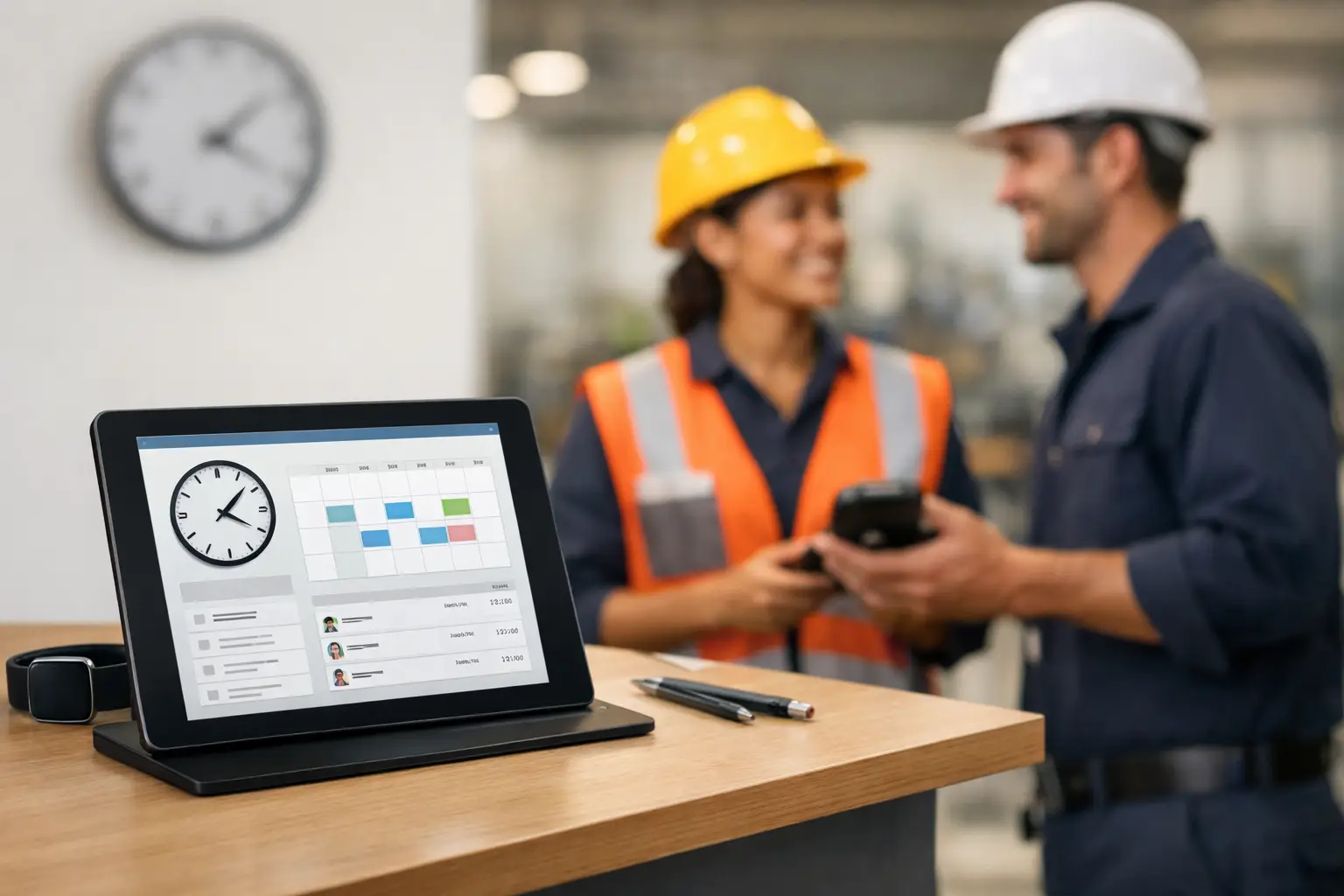
A signed timesheet cannot prove who was at a care home at 07:00, whether a cleaning operative reached the client site, or whether a warehouse shift actually started when payroll says it did. For organisations with deskless, mobile and multi-site teams, time and attendance software must create evidence from the physical workplace, not simply turn manual declarations into digital forms.
That distinction affects payroll accuracy, service delivery, worker safety and the time managers spend resolving avoidable disputes. The right system should give the business a clear record of presence, approved exceptions and the context behind every payable hour.
What time and attendance software should do
At its simplest, time and attendance software records when people start, finish and take breaks. It can apply work patterns, calculate hours, flag lateness and send approved records to payroll. That remains useful, particularly where a business is replacing paper timesheets or spreadsheet-based approvals.
For frontline operations, however, basic clocking is only the starting point. A useful system must answer more demanding questions: was the employee at the assigned site, did they attend the required shift, was a missed clock caused by a genuine operational issue, and can a manager deal with the exception before payroll closes?
The strongest approach connects clocking records with the workplace signals that support them. Badges, wall clocks, gateways, tags, sensors and wearables can provide evidence of arrival, presence or location. Used appropriately, that data gives managers a factual basis for decisions instead of relying on memory, messages and end-of-month corrections.
Why ordinary timesheets fail in physical operations
Manual timesheets create delay. Employees complete them after a shift, supervisors chase missing entries, and payroll teams receive amendments at the last possible moment. The result is often a choice between holding payroll, paying unverified hours, or creating another correction for the next pay run.
Apps that rely only on a worker tapping a mobile phone can improve speed, but they have limits. A timestamp alone does not establish the site. GPS may be useful outdoors, especially for field teams, but it is less precise inside buildings and can be unsuitable for certain workplaces. A fixed clock works well for a regular workplace, but does not provide the same evidence for employees moving between floors, wards, customer locations or remote areas.
That is why the design needs to follow the working environment. A factory may need clocking at controlled entrances. A facilities provider may need site-specific evidence across client locations. A lone worker may require a wearable or safety device that supports both attendance and welfare processes. There is no single capture method that suits every workforce.
Build attendance around evidence, not assumptions
A defensible attendance process has four connected layers.
- Capture records an event through the right method for the job: a badge tap, clock, mobile check-in, gateway detection or wearable signal.
- Context associates that event with the shift, location, role, task or site expected at that time.
- Exception handling identifies missing, early, late or unexpected events and routes them to the right manager for review.
- Payroll and reporting turns approved records into usable data for pay, compliance checks, cost control and operational analysis.
The value is not in collecting the largest possible volume of workforce data. It is in collecting enough reliable data to answer a specific operational question. For example, a contract manager investigating a missed cleaning task may need to verify whether the operative reached the correct site during the allocated window. Payroll may only need confirmed worked time and authorised absence. Health and safety teams may need an accurate picture of who is present during an evacuation.
Keeping those purposes clear also helps avoid turning attendance technology into indiscriminate surveillance.
Verify hours without creating an admin burden
Verification should reduce work for managers rather than produce another dashboard requiring constant attention. Set tolerances around normal shift patterns, then direct managers towards genuine exceptions: a missing clock-out, an early departure, an unplanned site change or a worker expected on duty but not detected.
A good approval workflow preserves the reason for an amendment. If a clock failed, a supervisor can correct the record and record why. If an employee attended a different site at short notice, the system should retain the approved change. This creates an audit trail that is useful when a worker questions pay or when finance needs to understand a variance.
Specialist workforce AI and task-specific AI agents can help with the repetitive work around this process. Their role is practical: identify incomplete records, categorise common exceptions, prompt the appropriate manager, prepare information for review and reduce manual chasing. They should support accountable decisions, not make opaque payroll judgements without human oversight.
Location intelligence has a distinct role
Employee location can be valuable, but it needs careful boundaries. Outdoor location may help confirm arrival at dispersed sites or support field service operations. Indoor location intelligence can be more relevant where GPS cannot distinguish between buildings, floors or work areas.
For a multi-site business, location evidence can support several legitimate processes at once. It can help verify attendance, validate attendance at a scheduled task, improve emergency roll-call information and help teams respond when a lone worker needs assistance. The operational purpose should determine the technology and the retention period.
In the UK, employers should be transparent about monitoring and personal data. The ICO expects organisations to have a lawful basis for processing, provide clear information to workers and apply data minimisation. A data protection impact assessment may be required where monitoring is likely to create a high risk to individuals’ rights and freedoms. Staff consultation, clear policies and role-based access are practical safeguards, not paperwork to leave until after deployment.
Connect attendance to the systems that already matter
Time records become useful when they flow into the business processes that rely on them. Payroll needs approved hours and the right treatment of breaks, overtime, absence and pay codes. HR needs an accurate employment record, leave data and manager approvals. Operations needs visibility of staffing by site or shift. Safety teams need reliable live or near-live presence data where the use case demands it.
Replacing every existing system is not always the sensible route. Many organisations already have an established HR or payroll platform. In that case, the priority may be to add better evidence at the point of work, then integrate approved data through available connectors or an open API. This limits disruption while addressing the source of disputed hours: weak data capture.
Sense Workplace is designed around that model, combining workforce management with frontline intelligence from proprietary workplace hardware. Its badges, clocks, gateways, tags, sensors and wearables can feed verified workplace data into HR, payroll, safety and operational workflows, while allowing organisations to connect with existing systems.
How to assess time and attendance software
Before comparing suppliers, map the points where confidence in hours is lost. Speak to payroll, site managers, workers, IT and health and safety teams. Their answers will often expose different failures in the same process: payroll sees late amendments, operations sees no-shows, workers see incorrect pay, and safety teams see uncertainty during an emergency.
Then test prospective systems against the realities of your operation:
- Can it capture attendance reliably where people work, including indoors, outdoors and across changing sites?
- Can it prove the relationship between a person, a place, a shift and, where required, a task?
- Can managers resolve exceptions quickly with a recorded reason and approval trail?
- Can approved data move into payroll and HR processes without rekeying?
- Can the organisation set clear privacy controls, access permissions and retention rules?
- Can the system support safety use cases such as emergency roll calls or lone-worker processes where relevant?
Ask suppliers to demonstrate exception handling, not just the clock-in screen. A polished dashboard is less valuable than a clear answer to a difficult question: what happens when an employee says they worked, the site manager says they did not see them, and payroll closes tomorrow?
FAQs
Is time and attendance software suitable for mobile workers?
Yes, provided the capture method fits the work. Mobile teams may use a combination of mobile check-ins, outdoor location evidence and site-based hardware. The goal is to verify relevant attendance without imposing a process that is impractical for workers travelling between locations.
Can attendance data be used for payroll?
It can, once hours and exceptions have been reviewed under the organisation’s approval rules. Payroll teams should agree pay codes, cut-off times, amendment handling and integration requirements before go-live. Verified source data reduces rekeying, but it does not remove the need for sensible payroll controls.
Does employee location tracking create data protection issues?
It can if it is excessive, unclear or poorly governed. Employers should define the purpose, collect only necessary data, tell workers how it is used and restrict access. The appropriate approach depends on the role, location technology and level of monitoring involved.
What is the best first step?
Start with one high-cost point of failure, such as disputed hours at client sites, missed clockings in a warehouse or uncertainty over who is present during an evacuation. A focused deployment with clear evidence rules will show what better attendance data can change before you attempt wider process redesign.



