How to Automate Fire Musters Across Multiple Sites
Learn how to automate fire musters with verified presence data, live roll-calls and clear escalation for safer, faster multi-site emergency evacuations.
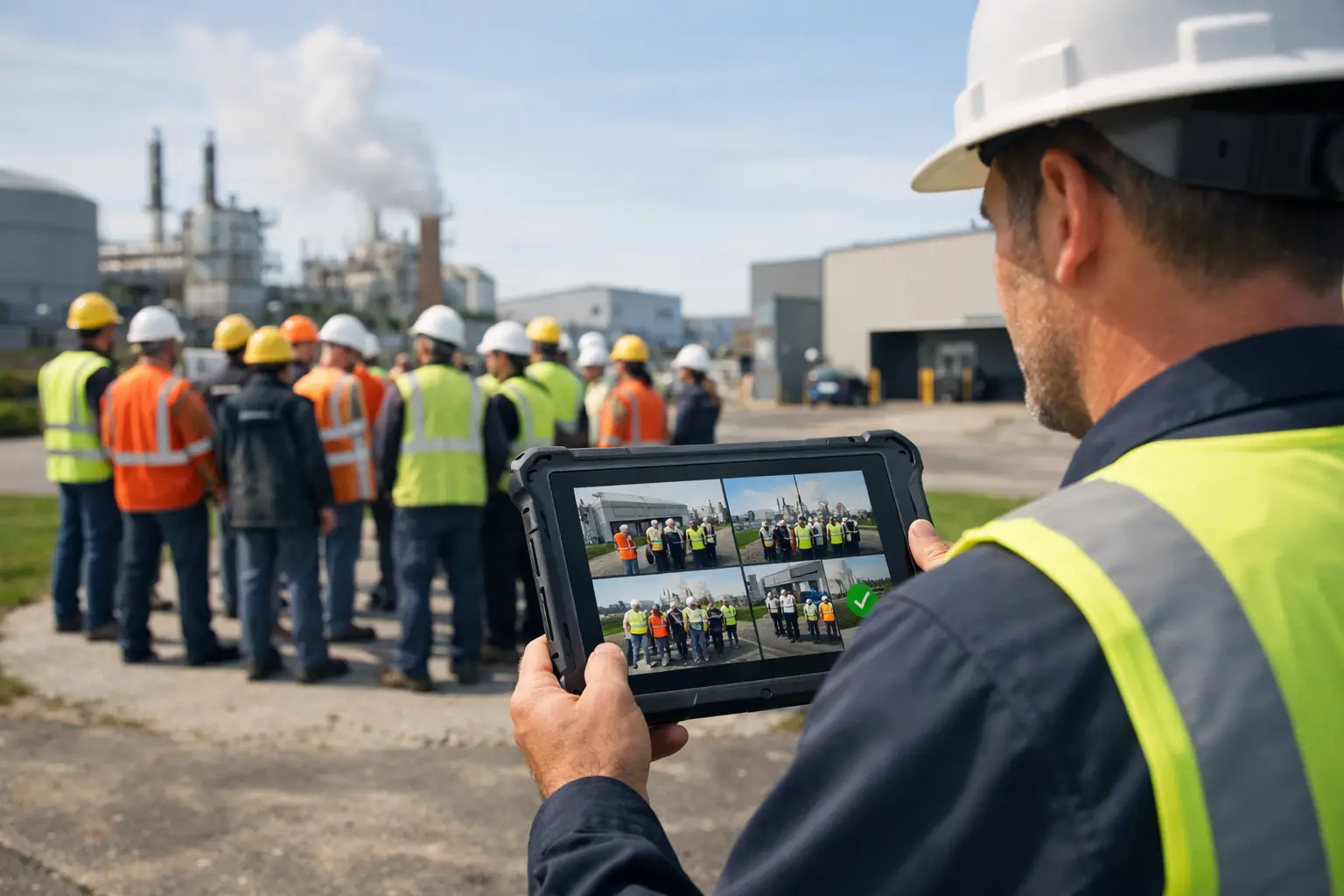
A fire alarm exposes every gap between a workforce record and the reality on site. A spreadsheet may show who was rostered. A clocking system may show who started work. Neither necessarily tells the fire marshal who is in the building, who is off site, who is working alone in a yard, or who has moved between locations.
To automate fire musters, organisations need a reliable picture of presence at the moment an alarm is raised, followed by a controlled way to account for people at the assembly point. That means joining fire procedures with verified attendance, location-aware operational data and a clear escalation workflow. It is not simply a faster version of calling names from a printed list.
What an automated fire muster should do
An automated fire muster is a digital roll-call process that creates an evacuation list when an incident occurs, records the status of each person and highlights unresolved cases for action. The objective is straightforward: give the responsible person a current, usable account of who may need to be checked during an evacuation.
A useful system distinguishes between people who are expected to be present and those who are actually present. This matters in workplaces where staff arrive through different entrances, move between buildings, work changing shifts, visit client sites or leave site before their scheduled finish time. It also matters for contractors and visitors, who can be missed when records sit in separate books or systems.
The process should support the established fire emergency plan, not replace it. Responsible persons still need suitable evacuation arrangements, trained people, assembly procedures and regular drills. Technology provides faster evidence and better coordination; it cannot decide whether an area is safe to enter or remove the need for competent on-site judgement.
Why roster data is not enough for a fire roll-call
Most manual musters begin with a roster, printed timesheet or visitor book. These records are often useful, but each has a limitation. A roster confirms an intention to work. A timesheet may be completed after the shift. A visitor log can be incomplete or still sitting at reception when evacuation routes bypass it.
The stronger approach is to establish presence through physical-world signals. For example, a worker may use a badge or clock to record arrival, while gateways, tags, sensors or wearables provide further location and safety context where the workplace requires it. The system can then associate a person with a site, building or defined area according to the deployment and the organisation’s procedures.
That distinction changes the quality of the roll-call. Instead of asking, “Who was scheduled today?”, the fire marshal can start with, “Who was verified as being here when the incident began?” It reduces the time spent reconciling shift sheets, messaging supervisors and investigating whether a missing person had already gone home.
It depends on the site. A single retail unit may only need a dependable staff and visitor check-in process. A manufacturing campus, warehouse, hospital or facilities management operation may require a more detailed view across buildings, external areas, mobile teams and restricted zones. The right design follows the evacuation risk assessment and the way people genuinely move through the estate.
The operating model: from alarm to accountability
Build a live presence record before an emergency
Automation works only if presence data is maintained during normal operations. Arrival and departure should be recorded through methods that suit the workforce, such as workforce clocks, badges or mobile workflows. The organisation must also have a practical process for visitors, contractors, agency workers and people who change location mid-shift.
This same data can improve time and attendance administration. Verified start and finish events can support timesheet checks and payroll review, while creating a more credible starting point for emergency accountability. That is the operational advantage of connecting workforce management to the physical workplace: one event can support more than one process without asking teams to duplicate data entry.
Data quality needs ownership. Site managers should know how to correct an exception, such as a forgotten clock-out, without rewriting the underlying audit trail. HR and operations teams should agree who maintains worker records, contractor access and site assignments. Without that discipline, an automated muster can reproduce the same errors as a paper list, only on a screen.
Trigger the right muster for the right location
When an alarm is raised, the system should create a muster relevant to the affected site or building and present the appropriate list to nominated responders. In a multi-site organisation, this prevents a manager at one location receiving a roll-call full of people who are working elsewhere.
The event workflow should make responsibilities obvious. A responder needs to see the people to account for, record whether each person is safe, and identify those whose status remains unknown. Supervisors may need escalation prompts for their teams, while facilities or health and safety leads need an auditable incident record after the immediate response.
Avoid designing the process around a perfect mobile signal or a single device. Assembly areas may have poor coverage, devices may be unavailable and a fire incident can disrupt normal access routes. A resilient procedure includes a fallback method, accessible responder roles and regular drills that test the technology and the human process together.
Confirm people at the assembly point
The essential action is not merely generating a list. It is recording an affirmative status: present and safe, accounted for elsewhere, or not yet accounted for. Depending on the deployment, workers may identify themselves through a badge, a designated workforce device or a responder-led check.
A live view allows the fire marshal to focus on the unresolved names rather than repeatedly checking everyone already known to be safe. That can be especially valuable where teams are dispersed across warehouse aisles, production areas, car parks and delivery yards.
Location information must be treated carefully. It can help responders understand a worker’s last verified area or whether they were associated with a particular site, but it is not a substitute for evacuation searches or emergency service direction. The record is evidence to inform decisions, not a guarantee of a person’s precise current position.
Escalate gaps quickly and preserve the record
If a person is not accounted for, the workflow should make that exception visible immediately to the correct people. The incident lead can then follow the organisation’s emergency procedure, including communicating relevant information to emergency services where required.
After the event, the record should show the muster time, attendees, outstanding exceptions, actions taken and final resolution. This supports incident review, drill evaluation and improvements to the emergency plan. It can also expose recurring operational problems, such as contractors bypassing sign-in, workers moving sites without updating records, or a clock positioned away from the actual point of entry.
The privacy and employment considerations
Presence and location data should have a defined safety and operational purpose. Organisations should be clear with workers about what information is collected, when it is collected, how it is used for attendance and emergency procedures, who can access it and how long it is retained.
In the UK, employers need to handle personal data lawfully and transparently. A data protection impact assessment may be appropriate where processing is likely to create a high risk to individuals, particularly for location-related processing at scale. Involve HR, health and safety, IT, data protection and workforce representatives early, rather than treating privacy as a final procurement check.
Proportionate design is commercially sensible as well as responsible. Collect the level of information needed to support the risk and workflow. Restrict access by role. Keep an audit trail of actions. Do not turn a fire-safety process into open-ended monitoring.
What to assess before choosing a solution
The question is not simply whether a platform has a digital roll-call screen. Assess how the list is created, how current it is and what happens when information conflicts. Ask whether the system can use verified attendance and site-aware data, support contractors and visitors, separate locations, record assembly-point status and retain an incident trail.
Also assess the physical deployment. Hardware matters because the quality of the information depends on how presence is captured. Purpose-built badges, clocks, gateways, tags, sensors and wearables can connect workforce events to the places where work occurs. For complex frontline estates, that evidence is often the missing layer between HR records and on-site reality.
Sense Workplace is designed around this connection. Its Presence platform combines indoor and outdoor location intelligence with attendance and timesheet workflows, while Sense-built hardware can provide the physical signals required for operational visibility, emergency roll-calls and wider workforce processes. It can complement existing HR, payroll and operational systems through integrations and an open API, rather than requiring an organisation to replace its entire stack.
Make fire drills a test of the whole process
A drill should test more than evacuation speed. Test whether the active muster list is correct, whether responders can use it at the assembly point, how quickly exceptions are escalated and whether visitor and contractor records are included. Run scenarios that reflect the operation: a night shift, a partially occupied site, a worker in an external loading area or a supervisor absent from the usual assembly point.
Review the outcome with the same discipline applied to payroll discrepancies or service-delivery disputes. Was the data current? Did someone have to rely on personal knowledge? Were procedures clear? Each answer points to an operational control that can be improved before a real emergency demands it.
Frequently asked questions
Can a digital fire muster replace a fire marshal?
No. A digital system supports the fire marshal or other nominated responder with current information and a recorded process. It does not replace the roles, evacuation plan, training, risk assessment or decisions required during an emergency.
How does an automated fire muster know who is on site?
It uses the organisation’s configured attendance and presence events. These can include badge use, clocking events and, where deployed, data from workplace hardware such as gateways, tags, sensors or wearables. The reliability of the muster depends on the design of these processes and the quality of the underlying data.
Should contractors and visitors be included?
Yes. A muster process should account for anyone who may be on the premises. The practical method varies by site, but contractor and visitor sign-in must feed the same emergency accountability process or be available to responders in a clear, controlled way.
Is worker location data necessary for every site?
No. A lower-risk, single-location workplace may only need verified arrival and departure records. More detailed location intelligence may be justified for large, multi-building, mobile or higher-risk operations. The deployment should be proportionate to the risk assessment and the operational need.
A reliable fire muster starts long before the alarm. Build verified presence into everyday frontline operations, test it under realistic conditions, and responders will have clearer information when every minute matters.



