Top Payroll Audit Tools for Frontline Teams
Compare top payroll audit tools for frontline teams, from payroll reports to hardware-backed attendance data that helps resolve disputes and control costs.
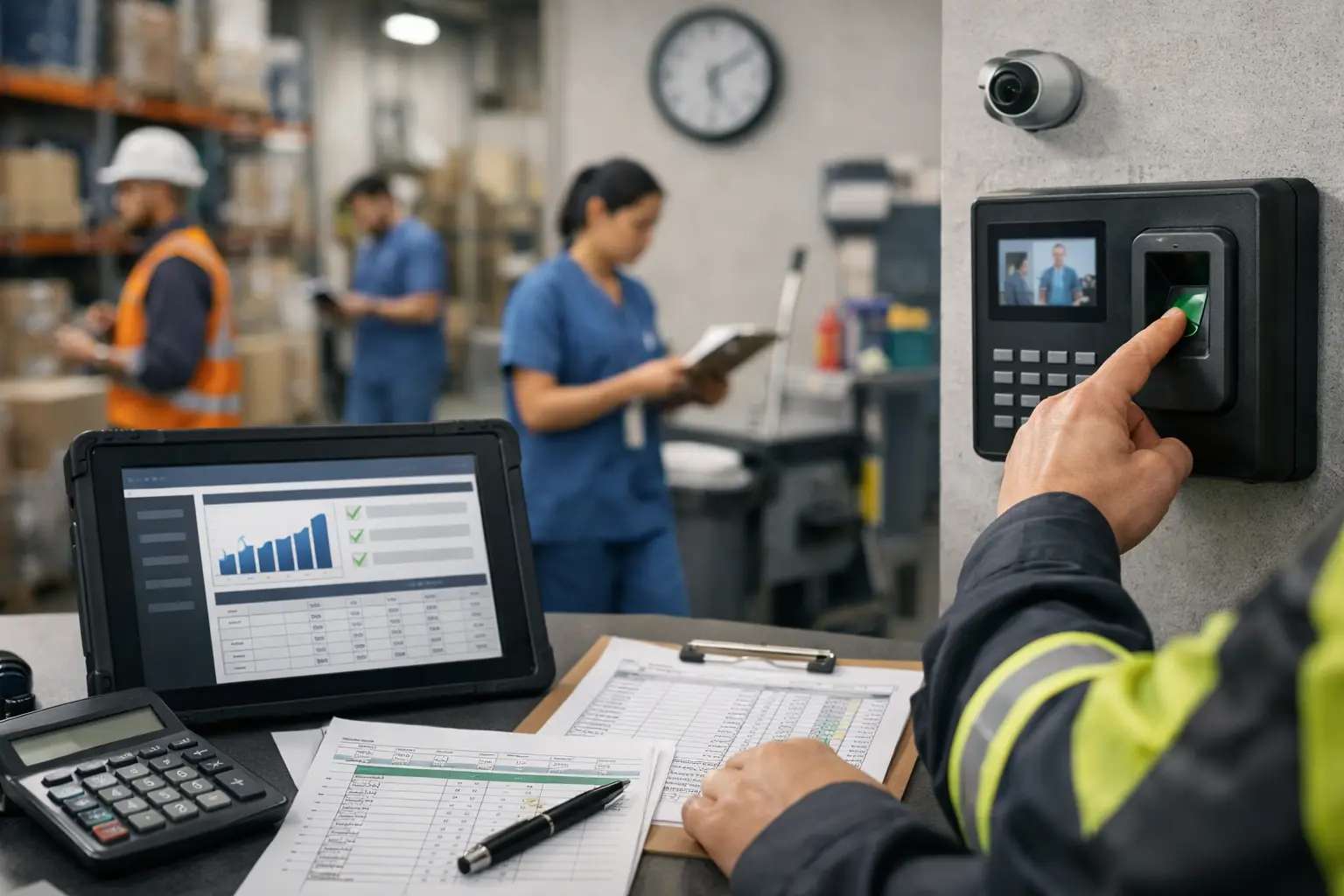
A payroll query rarely begins in payroll. It starts when a manager cannot confirm who was on site, a worker disputes a missed shift, or a service customer asks for proof that a task was completed. For organisations assessing the top payroll audit tools, the real question is not which system produces the most reports. It is whether the organisation can trace each paid hour back to credible, timely evidence.
For deskless, shift-based and multi-site teams, this distinction matters. A payroll platform can calculate pay accurately from the information it receives. It cannot independently establish whether a timesheet was correct, whether an employee attended the assigned location, or whether an exception was approved for a valid reason. Good payroll auditing closes that evidence gap before an error becomes a payslip dispute, a margin issue or a compliance concern.
What a payroll audit tool should actually do
A payroll audit tool is any system or control that checks pay inputs against supporting records before, during or after payroll processing. It may sit inside payroll software, time and attendance software, workforce management technology, or a reporting layer that combines data from several systems.
The strongest tools do more than identify a numerical mismatch. They show the underlying event: a clock-in, approved shift change, absence record, overtime authorisation, site arrival or completed task. That allows payroll and operations teams to answer three practical questions quickly: what was submitted, what evidence supports it, and who authorised the exception.
For frontline organisations, the audit trail should cover normal working patterns as well as exceptions. A warehouse operative may begin work at a clock near the loading bays. A mobile facilities engineer may attend several client sites. A care team member may need a record of presence at a scheduled visit. Each situation needs evidence appropriate to the work, rather than a generic weekly timesheet completed from memory.
The top payroll audit tools by control type
There is no single best product category for every workforce. The right mix depends on the payroll risks, the way people work and the systems already in place. These are the principal tool types buyers should compare.
Payroll software audit reports
Most payroll systems provide reports for changes to pay, unusual pay movements, leavers, starters, deductions, statutory payments and bank detail amendments. These reports are essential. They help payroll teams spot duplicate payments, unexpected rate changes and material variance between periods.
Their limitation is that they audit the payroll outcome, not always the operational source. If 12 hours of overtime reached payroll through an approved import, the report may show that the payment changed but not whether the hours were worked. Payroll reporting is therefore a necessary final control, not a substitute for verified time data.
Time and attendance exception management
Time and attendance systems create an audit record around scheduled and actual hours. Useful controls include missed clock-ins, early starts, late finishes, breaks outside policy, unauthorised overtime and manager edits. The most useful exception queues prioritise what needs a decision rather than asking managers to review every shift.
This is often the quickest way to reduce manual payroll preparation. However, organisations should examine how the attendance event is captured. A self-declared entry can be appropriate in some roles, but it carries a different level of assurance from a shared-site clock, badge event or other verified presence record.
Hardware-backed attendance and location evidence
For large sites, dispersed estates and mobile workforces, physical-world data adds a control that ordinary HR and payroll systems usually cannot provide by themselves. Badges, clocks, gateways, tags, sensors and wearables can capture attendance and relevant location events at the point work occurs.
The value is not constant tracking. It is being able to validate defined operational events with proportionate evidence. A clock event can support a start time. A badge or location signal can help establish presence at an allocated site. A task workflow can record that a required activity was completed. Together, these records make disputed hours faster to investigate and create a clearer basis for payroll approval.
Sense Workplace is designed around this connection between people, places, events and workflows. Its Presence platform combines indoor and outdoor location intelligence with attendance and timesheet processes, while Sense-built hardware provides the real-world signals behind the record. It can complement an existing HR, payroll or operational stack through integrations and an open API, rather than requiring a wholesale replacement.
Shift scheduling and workforce management controls
Scheduling tools provide the planned side of the audit: contracted pattern, published shift, role, location, labour budget and required skill or qualification. When actual attendance is compared with the plan, managers can identify understaffing, unplanned overtime, agency use and working-time exceptions before payroll is finalised.
This is particularly useful in retail, hospitality, manufacturing and logistics, where a small number of unapproved extensions across many sites can become a material payroll cost. The trade-off is that schedule data is only reliable when managers keep changes current. A strong workflow should therefore record shift swaps, extensions and approvals as they happen.
Workflow and approval automation
Audit quality often fails at handovers. A supervisor knows why someone stayed late, but payroll sees only an unexplained adjustment two weeks later. Workflow automation routes exceptions to the person able to confirm them, records the decision and preserves the reason alongside the time record.
Specialist AI agents can assist with defined tasks such as reviewing exceptions, preparing payroll queries or identifying missing information for a manager to resolve. They should not be treated as an automatic decision-maker for pay. The useful role is to reduce repetitive checking, surface the evidence and direct human attention to the exceptions that need judgement.
Business intelligence and reconciliation tools
Reporting tools bring together payroll, attendance, scheduling, HR and operational data. They are valuable for recurring control checks: comparing paid hours to approved hours, identifying sites with unusual manager edits, tracking overtime by cost centre and finding repeated late approvals.
Their usefulness depends on data quality and clear ownership. A dashboard can reveal a pattern, but it cannot repair disconnected source records. Buyers should ask whether reports retain a route back to the original event, not just a total in a chart.
How to compare payroll audit tools
Start with the causes of payroll rework, not a feature checklist. Review a recent sample of disputes, corrections and off-cycle payments. Identify whether each was caused by missing attendance evidence, late approval, unclear scheduling, incorrect employee data, payroll configuration or a weak handover between systems.
Then test prospective tools against a real operational scenario. For example, can the system show a scheduled shift, the attendance evidence, any break or overtime exception, the approving manager and the export sent to payroll? Can payroll staff resolve a query without calling three sites and searching emails? This test is more revealing than a polished demonstration of generic dashboards.
Data governance also deserves early attention. Workforce data may include personal data and, where location or wearable data is used, needs a clear purpose, appropriate transparency and access controls. UK organisations should involve HR, operations, IT and data protection stakeholders in decisions about what is collected, how long it is kept and who can view it. The aim is proportionate verification for operational and payroll purposes, not indiscriminate monitoring.
Finally, assess integration behaviour. An audit tool should fit the payroll cut-off process, support controlled exports or integrations, and preserve identifiers consistently across systems. Manual spreadsheet uploads may be workable for a small workforce, but they add version-control risk as sites, employees and payroll complexity grow.
Building an audit process that managers will use
Technology only improves payroll control when the operating process is clear. Set defined cut-off times, assign ownership for each exception type and distinguish between an employee correction, a manager approval and a payroll adjustment. Keep the reason for an override close to the original record, rather than burying it in an email thread.
Avoid demanding the same verification method for every role. Fixed-site production teams may benefit from physical clocks or badges. Lone workers and mobile teams may need safety and location-aware processes that also support attendance evidence. Office-based staff may need a lighter-touch approach. The appropriate control is the one that produces dependable evidence without creating friction that causes people to work around it.
FAQ
What is the difference between payroll software and a payroll audit tool?
Payroll software calculates pay, deductions and statutory obligations from approved inputs. A payroll audit tool checks the quality and evidence of those inputs, such as worked hours, overtime, absences, approvals and employee-data changes. Many organisations need both.
Can attendance data reduce payroll disputes?
Yes, when it records a clear, accessible account of scheduled hours, actual attendance and authorised exceptions. Hardware-backed attendance or location evidence can be especially useful where managers need to verify presence at a specific site or work area.
Should payroll teams use employee location data?
Only where there is a clear operational purpose, such as validating attendance for a mobile role, supporting lone-worker safety or managing emergency roll-calls. Organisations should use proportionate controls, explain the purpose clearly and apply appropriate data governance.
Do we need to replace our payroll system to improve audit controls?
Not necessarily. Many organisations retain their existing payroll and HR systems while adding time and attendance, workflow automation, reporting or physical-world verification. The priority is a reliable flow from evidence to approved timesheet to payroll output.
The most useful payroll audit tool is the one that gives a manager and payroll team the same answer to a simple question: what happened on that shift, and what evidence supports the payment?



